Three big changes dropped at I/O. Nine hundred million people already use Gemini. Now the AI is burrowing deeper into your work apps. No more skimming surfaces. It’s inside.
Gmail Live, Docs Live, Google Pics. And AI Inbox finally getting some love. Most of it revolves around one thing: your voice.
Stop Typing
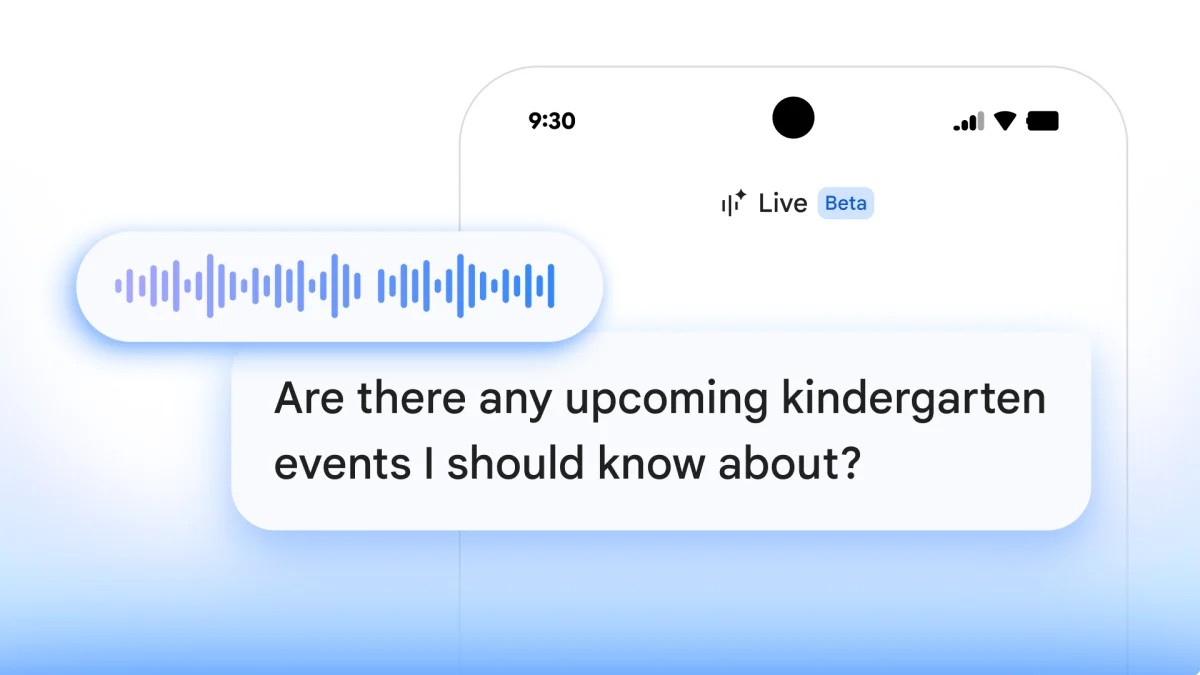
On the go. No time to type. Google thinks speaking is faster. You ask a question. The system answers. No search bar navigation required.
Gmail Live lets you shout. What’s my flight info? It digs through your bursting inbox and spits out the answer. Fast. Docs Live? Even messier but arguably more useful. You speak. It drafts. Outlines. Refines. It turns scattered thoughts into something readable without you organizing a thing first. Then there is Google Keep. Just talk. It transcribes. Organizes. You do the minimal work.
All this vocal gymnastics is locked behind the AI Pro and Ultra paywalls. If you are on the basic plan. You wait.
“The best editor is the one who does the heavy lifting so you don’t have to.”
Pixels and Power
Google Pics feels like Canva with a neural network attached. Built on the Nano Banana platform. It edits. It generates from scratch. It wants your design market share.
Here is what it actually does. Object segmentation is precise. Select an item. Move it. Resize it. Turn a dog into a cat? Easy. The sweater stays. The background ignores the change. Text editing is also baked in. Modify words inside the photo directly. Translate them while keeping the original font. It respects the design language.
It plugs right into Slides and Drive too. Edit where the file lives. No exports. No imports. Just changes.
Right now. It is in testers only. Summer brings the rollout for AI Pro and Ultra users. Business accounts get a peek soon after.
The Inbox That Reads For You
AI Inbox was announced earlier. It lives for AI Ultra subscribers currently. I/O expanded it. Now AI Pro and Plus users can see it too.
The upgrades are practical. Almost boringly so. Personalized drafts mean the AI doesn’t just nag you to reply. It writes the email. You review. You send. Instant file access? The inbox looks in your Google Drive. Finds the link. Drops it in. You stop searching for files while answering mail. Task management gets simpler too. Clutter clears out. Tasks stay visible. Unhelpful noise disappears.
It cleans the mess. Mostly.
Does it replace the human element? Maybe. Maybe not. You will still have to read it.
And if it misreads a tone. You fix it. As usual.