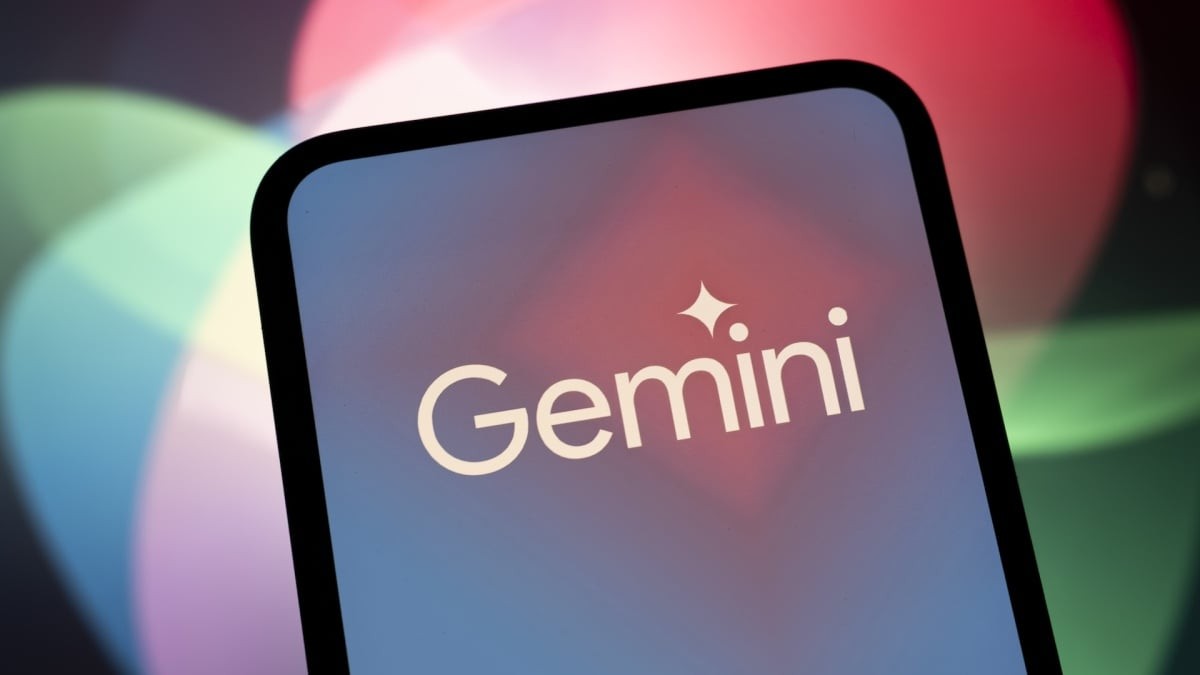
Gemini is pushing hard into your inbox.
Google wants you to trust an AI to draft, rewrite, and summarize your emails. And for some people? That works fine.
But for others, it feels invasive. Your privacy matters. Or maybe you just prefer your own clunky, authentic words over algorithmically generated fluff.
You can pull Gemini out of Gmail completely. And it isn’t just about email. This affects how the AI interacts with your Google ecosystem—Drive, Calendar, Meet. It’s all linked.
If you’re tired of feeling watched by your own calendar app, here is the practical, no-nonsense guide to turning it off.
How to Disable Gmail AI Smart Features
The process is straightforward because Google made the controls accessible in your general settings, not hidden in some obscure submenu.
Click the gear icon (settings) in the top right of your Gmail window. Select “See all settings.”
Scroll down to the section labeled “AI-powered features” (or sometimes referred to as “Smart features” or “Gemini in Gmail”). You will see a checkbox next to options like:
- Help me write
- Summarize conversations
- Personalized search
Uncheck those boxes.
Save changes at the bottom of the page. You’re done. The AI won’t touch your emails unless you explicitly invite it back.
Note that turning off “Gmail AI smart features” is the main switch. If you want Gemini gone from Google Docs, Drive, or Workspace, you generally have to handle those in their respective app settings or your global Google Workspace admin controls, as they don’t always toggle with the same button. But for a pure Gmail cleanup, this is the heavy hitter.
Why Users Are Ditching the Sparkle Icon
There are three main reasons people pull the plug.
First, privacy anxiety. You don’t necessarily want your draft emails processed by a large language model to predict the “perfect” send. Second, creative autonomy. Some writers hate the way AI smooths out personality. Third, feature bloat. Not everyone wants “Summarize this long thread” staring them in the face. It clutters the interface.
You don’t have to justify this. It is your data. Your account.
What Exactly Breaks?
When you flip this switch, things change immediately.
The “Help me write” button? Gone.
The “/” shortcut that triggers Gemini? Inert.
Summaries of long email threads? Removed.
Personalized search results driven by AI analysis? Disabled.
The interface looks cleaner. Less shiny. Less helpful if you’re addicted to speed-templating. But also less intrusive.
Does This Clear Gemini Entirely?
No. And Google makes that annoyingly obvious.
If you scroll through your old emails, you might still see that little sparkle icon (the Gemini symbol) in the corner. Click it, and you’ll get a polite popup explaining that Gemini is