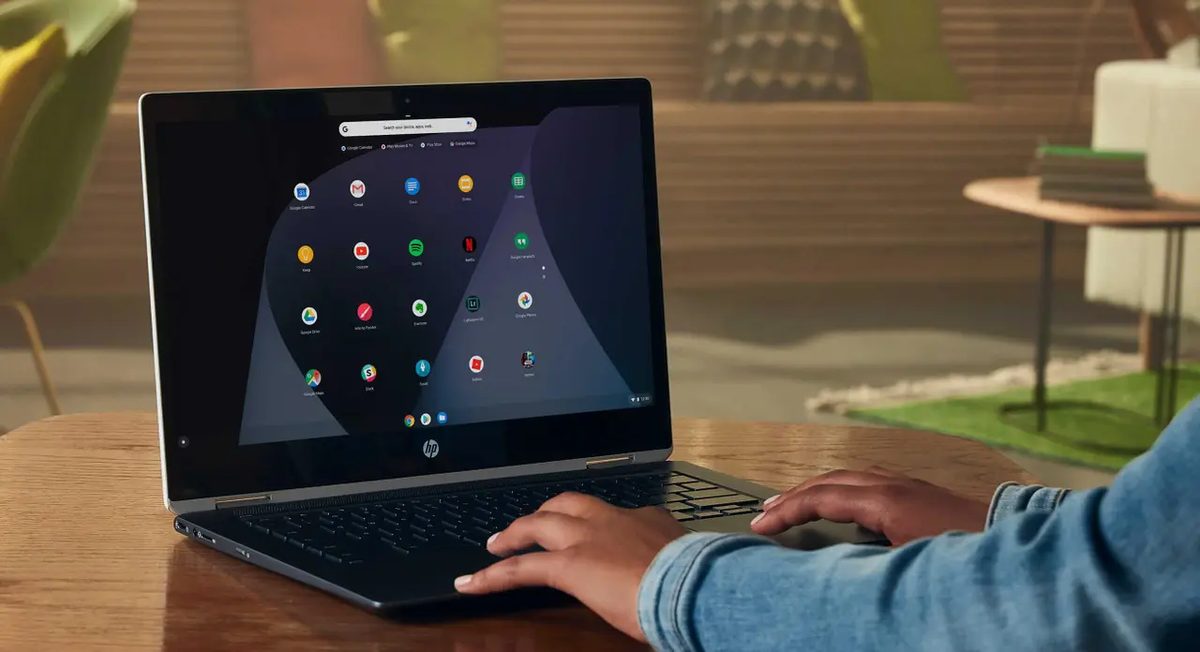
Chrome OS arrived in 2009. It was the second operating system Google ever released. Android came first. The premise was simple then and remains relevant now: build a system around the browser. Use web services. Store data in the cloud.
Today, that core idea is still the selling point. But the story is more complex than just a browser wrapper.
From Ubuntu to Chromium
Google didn’t just flip a switch in 2009. They tested early versions on 200 employees. The goal? Watch how people worked. See where the cracks appeared.
The early builds relied on Ubuntu Linux. It was a heavy foundation for a lightweight goal. Google eventually ditched Ubuntu. They switched to Gentoo Linux. Why? Compatibility. They needed to support more hardware architectures. They needed faster build times.
This mirrors the Android development path. A portion of the code is open-sourced as Chromium OS. But the commercial Chrome OS you buy from Acer, HP, or Lenovo? That’s proprietary. It’s closed off. You don’t get the raw kernel access. You get a managed experience.
The Cloud-First Philosophy
Here is the real reason Chrome OS exists: it offloads the heavy lifting.
Most processing happens on Google’s servers. Your local machine just displays the result. This allows the hardware to be incredibly modest. You don’t need a high-end CPU. You don’t need gigabytes of RAM.
This matters for a specific buyer.
It matters for students.
It matters for small business employees.
It matters for anyone who only uses their laptop for browsing, email, and basic office suites.
It does not matter for video editors. It does not matter for gamers. It does not matter for anyone running heavy local software like Adobe Premiere or Visual Studio.
Chrome OS limits you by design. It forces you to rely on web apps and Android apps from the Google Play Store. That compatibility layer is key. It opened the floodgates for thousands of mobile apps. But it also highlights the system’s weakness.
You are tethered to the ecosystem. If Google changes a policy. If a web service drops Chrome OS support. You are stuck.
Update Cycles and Longevity
Chrome OS updates follow the Chrome browser cycle. Monthly patches. Long-term support windows.
This is a feature, not a bug. Most Windows laptops stop receiving security updates after three years. Chrome OS devices often get six or more. The OS updates in the background. You rarely notice it. The system reboots itself. It stays fresh.
For a budget laptop, this longevity is everything. A $200 Chromebook can remain secure and functional for half a decade. A $200 Windows laptop? It’s e-waste in three years.
The Android Gap
The integration with the Google Play Store changed everything. Before that, Chrome OS was niche. It was for developers and early adopters who loved the cloud.
After Play Store support, it became viable for average consumers. They could run their favorite mobile games. They could use their mobile productivity apps.
But there is a catch. Not every Android app is optimized for a mouse and keyboard. Some crash. Some feel awkward. You are essentially running a phone interface on a laptop screen. It works for simple tasks. It falls apart for complex workflows.