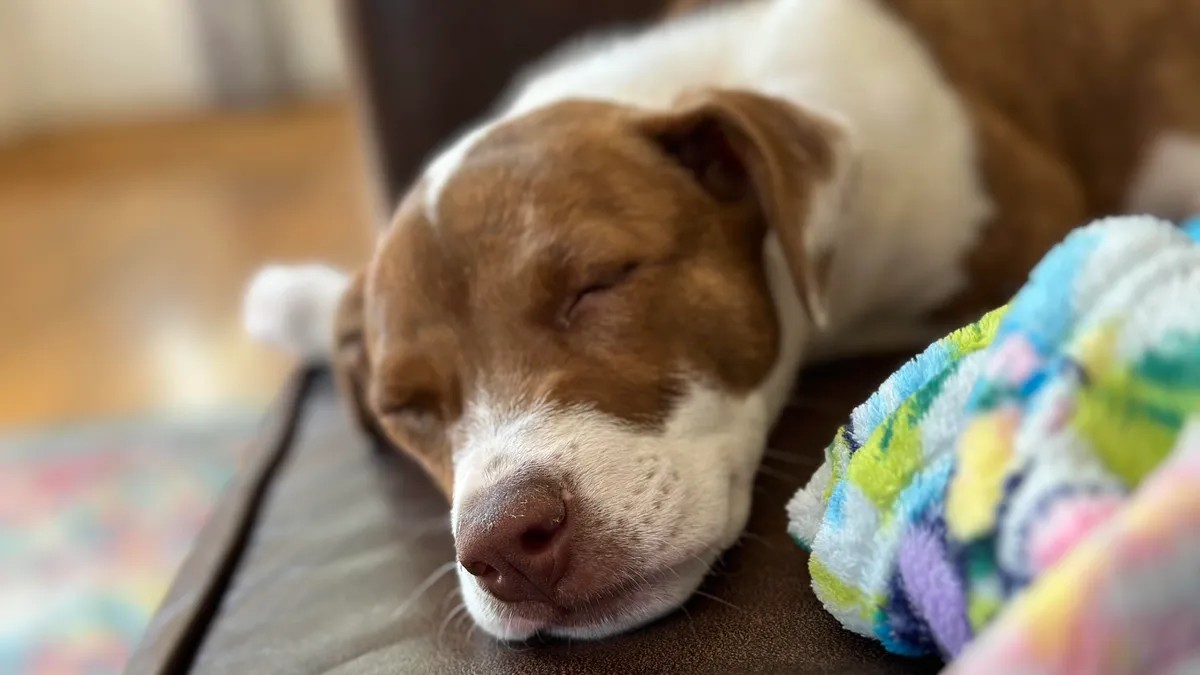
Pet owners now have a fun way to personalize their digital conversations: turning photos of their pets into custom emojis and stickers directly on their iPhones. The new feature, called Live Stickers, lets users extract subjects from images and save them as reusable assets in Messages and other apps.
How the Feature Works
Apple’s Live Stickers build on the “tap-and-lift” tool introduced in iOS 16, which allows users to isolate subjects from photos. Instead of just copying and pasting, you can now save these cutouts as stickers, making it easy to send your pet’s adorable face in any conversation.
This isn’t just about cute faces. It’s an extension of how people already use digital communication: personalization. Emoji have become a core part of online expression, and now Apple is giving users more control over how they express themselves.
Step-by-Step Instructions
Turning your photos into stickers is straightforward:
- Open the Photos app: Select the image you want to use.
- Tap and hold: Press down on the subject (e.g., your pet) until a white outline appears.
- Add Sticker: Tap the “Add Sticker” button.
Your new Live Sticker will automatically be saved to your Stickers drawer, accessible via the emoji keyboard in Messages. You can also add effects, like outlines, for a polished look.
Limitations and Compatibility
While Live Stickers work seamlessly within Apple’s ecosystem, compatibility with third-party apps is limited. Some messaging platforms like Slack and social media apps like TikTok may not support the feature. This suggests Apple’s focus is initially on optimizing for its own services.
The convenience of creating custom stickers is undeniable. However, the lack of universal support means users may encounter inconsistencies when sharing across platforms.
Ultimately, Live Stickers offer a playful way to inject personality into digital interactions. As with many new features, wider adoption and compatibility improvements may follow over time.