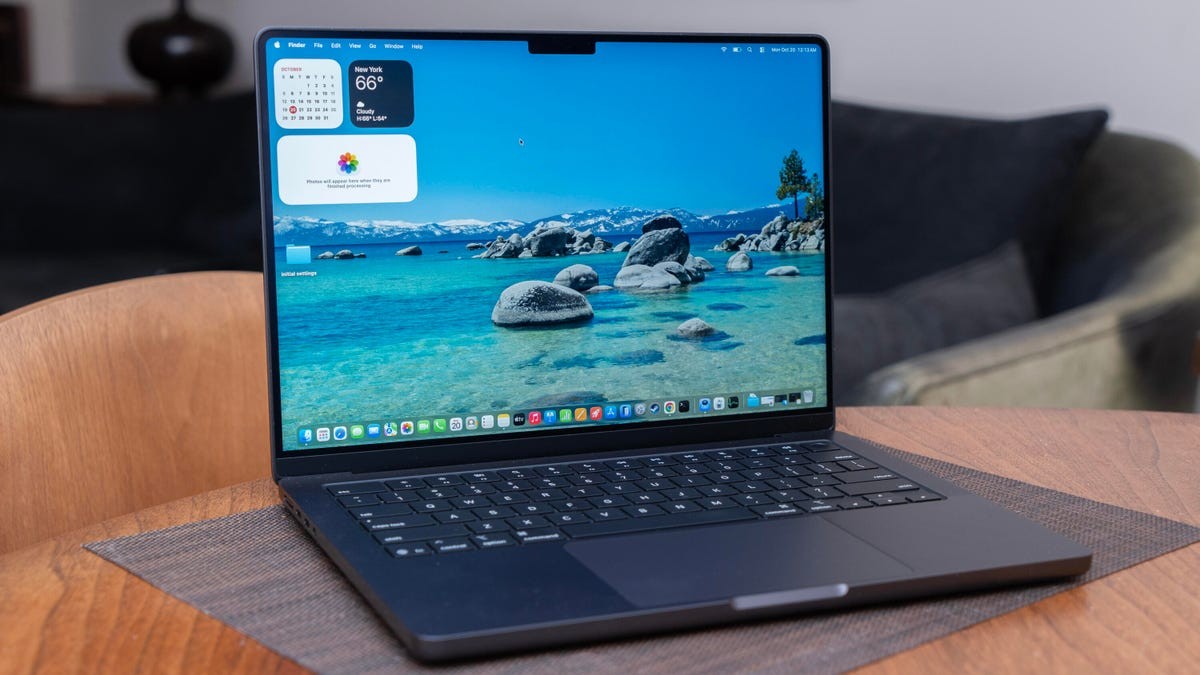
Apple’s latest 14-inch MacBook Pro with the M5 chip arrives not with a redesign, but as a direct iteration of the 2024 model. The hardware remains identical, but the updated processor introduces performance improvements, primarily in GPU-intensive tasks like AI-driven image generation and ray-traced graphics. While the gains are real, they don’t represent a paradigm shift, leaving buyers with a practical question: is it worth the upgrade?
What’s New Under the Hood?
The M5 chip delivers measurable improvements in specific areas. GPU performance is notably enhanced, especially in applications leveraging on-chip processing for AI and ray tracing. This means faster rendering times for 3D designers and marginally better frame rates in graphically demanding games. However, the improvement isn’t universal. Gaming performance, while better, still doesn’t elevate the MacBook Pro into the realm of high-end gaming laptops. The gains are incremental, pushing a passable experience closer to solid, but not fundamentally changing it.
Performance Trade-Offs and Choices
Apple offers a confusing array of choices. The M5 model retains older Thunderbolt 4 connectivity and limited external monitor support (two max). Stepping up to the M4 Pro or Max provides Thunderbolt 5 and support for up to four displays, making it potentially a more future-proof investment. Interestingly, the base M4 Pro model matches the top M5 configuration in price ($1,999), offering better overall performance with only minor exceptions. This suggests that for many users, the M4 Pro represents a superior value.
The M5 shines in workloads that fully utilize its improved GPU, such as real-time rendering in 3D design. However, in tasks where core count matters more than individual core speed, the advantage diminishes. A processor with more cores, even if slower individually, can outperform the M5 in certain scenarios.
The Gaming Reality Check
Despite a 50% improvement in ray tracing throughput, the M5’s 10-core GPU struggles to fully capitalize on the enhanced ray-tracing capabilities. Games like Cyberpunk 2077, one of the few Mac titles with ray tracing, see minimal practical benefit. Enabling ray tracing slows performance significantly without dramatically improving visual fidelity. The M5’s gains are most noticeable in less demanding titles like Hades 2, where the upgrade provides a smoother experience.
AI and Battery Life: Bright Spots
The M5 excels in AI-accelerated tasks. Image generation is demonstrably faster thanks to the inclusion of neural accelerators on each GPU core. The M5 also maintains Apple’s reputation for excellent battery life, with the M4 model already achieving up to 22 hours on a single charge. The M5 continues this trend, even running GPU-intensive benchmarks on battery without issue.
The Verdict: Upgrade Wisely
The M5 MacBook Pro 14 is a refinement, not a revolution. If you already own a recent MacBook Pro, there’s no urgent need to upgrade. If you’re switching from an older model, the M5 will undoubtedly deliver better performance, but the gains may not justify the cost for all users.
The M4 Pro, priced competitively with the M5, offers a potentially more balanced and future-proof option. Ultimately, the best choice depends on your workflow. For those heavily invested in AI or ray-tracing-intensive tasks, the M5 is a worthwhile upgrade. For everyone else, waiting for more powerful variants (M5 Pro or Max) or considering last year’s models during sales might be the smarter move.